Octoparse vs. QuickLeadFinder: Cloud Simplicity vs. Desktop Complexity
2025-12-24, 08:00:00
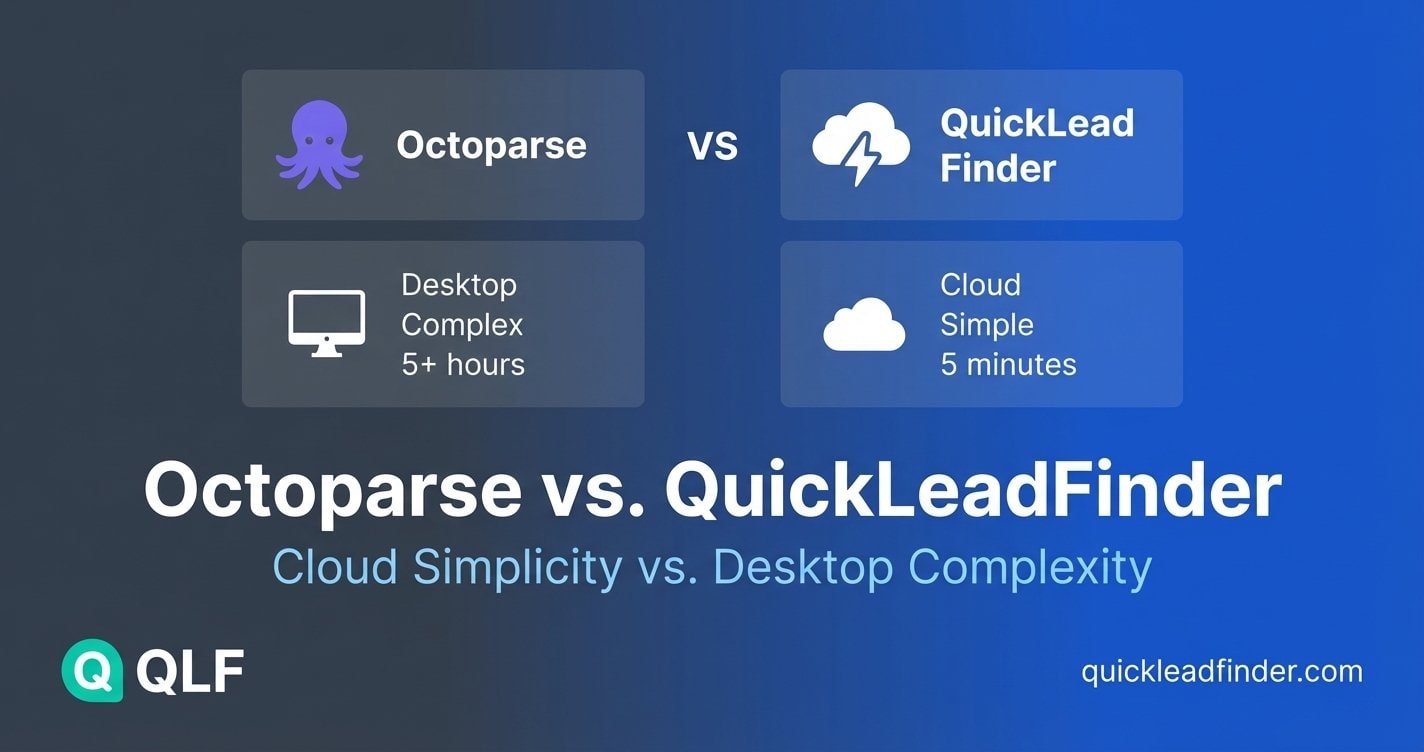
Octoparse is one of the most powerful web scraping tools on the market. It can extract data from virtually any website, handle complex JavaScript rendering, and automate sophisticated multi-step workflows.
But here's the question: Do you actually need all that power for Google Maps lead generation?
For most B2B teams, the answer is no. This comparison explains when Octoparse's flexibility is worth the learning curve—and when QuickLeadFinder's purpose-built simplicity delivers better results in less time. (For a complete overview of Google Maps scraping, see our ultimate guide.)
The Octoparse Learning Curve: A Reality Check
Octoparse markets itself as a "no-code" scraper, but anyone who's used it knows the truth: it requires significant technical understanding to use effectively.
What "No-Code" Actually Means
Octoparse eliminates the need to write Python or JavaScript. But you still need to:
- Understand HTML structure to identify the right elements
- Configure pagination logic for multi-page results
- Set up XPath or CSS selectors for complex extractions
- Handle dynamic content that loads via JavaScript
- Manage anti-bot detection and proxy rotation
- Debug failed extractions when Google Maps updates its layout
Realistic setup time for Google Maps scraping: 2-5 hours for first-time users.
The Maintenance Burden
Even after initial setup, Octoparse requires ongoing maintenance:
- Google Maps UI changes break existing workflows
- Selector updates needed every few months
- Local machine must stay running during extractions
- Manual intervention when scripts fail mid-execution
For teams without dedicated technical resources, this maintenance becomes a significant hidden cost.
QuickLeadFinder: Built for One Job, Done Exceptionally Well
QuickLeadFinder takes the opposite approach: instead of being a general-purpose scraper that can extract Google Maps data, it's a purpose-built tool that does one thing exceptionally well.
Setup Time: 5 Minutes vs. 5 Hours
| Task | Octoparse | QuickLeadFinder |
|---|---|---|
| Account creation | 5 min | 2 min |
| Software installation | 10-15 min | None (cloud-based) |
| Learning interface | 1-2 hours | 5 min |
| Configuring first extraction | 1-3 hours | 30 seconds |
| Running first search | 10-30 min | 60 seconds |
| Total time to first lead | 3-6 hours | ~10 minutes |
Zero Configuration Required
With QuickLeadFinder, there's nothing to configure:
- No selectors to define
- No pagination to handle
- No proxies to manage
- No scripts to maintain
Enter a keyword, select a location, click search. That's it.
Feature Comparison: Power vs. Purpose
Core B2B Lead Data (What Actually Converts)
| Feature | Octoparse | QuickLeadFinder |
|---|---|---|
| Business Name | ✅ (requires config) | ✅ Ready to use |
| Address | ✅ (requires config) | ✅ Ready to use |
| Phone Number | ✅ (requires config) | ✅ Ready to use |
| Website URL | ✅ (requires config) | ✅ Ready to use |
| Email Extraction | ⚠️ Separate workflow needed | ✅ Built-in & automatic |
| Review Count | ✅ (requires config) | ✅ Ready to use |
| Average Rating | ✅ (requires config) | ✅ Ready to use |
| Business Hours | ✅ (requires config) | ✅ Ready to use |
| Social Media Links | ✅ (requires config) | ✅ Ready to use |
| Price Level | ✅ (requires config) | ✅ Ready to use |
Why this matters: These 10 data points are what you actually need to qualify and contact leads. QuickLeadFinder delivers all of them instantly, while Octoparse requires hours of configuration for each field.
Data You Probably Don't Need
| Feature | Octoparse | QuickLeadFinder | Reality Check |
|---|---|---|---|
| Photos | ✅ (requires config) | Not included | Photos don't help you send cold emails |
| Individual Review Text | ✅ (requires config) | Not included | Useful for sentiment analysis, not lead gen |
The honest truth: Octoparse can extract photos and full review text—but when was the last time you needed a restaurant's photo gallery to send them a sales email? These features add complexity without improving conversion rates.
The Email Advantage
Here's where QuickLeadFinder actually pulls ahead:
| Email Capability | Octoparse | QuickLeadFinder |
|---|---|---|
| Extract from Google Maps listing | ✅ (if configured) | ✅ Automatic |
| Visit business website to find email | ❌ Requires separate workflow | ✅ Built-in |
| Parse contact pages automatically | ❌ Manual configuration | ✅ Automatic |
| Handle multiple email formats | ❌ Custom regex needed | ✅ Pre-configured |
This is the critical difference. Google Maps listings often don't include emails—but the linked business websites do. QuickLeadFinder automatically visits each website and extracts contact emails. With Octoparse, you'd need to build an entirely separate scraping workflow.
Ease of Use
| Aspect | Octoparse | QuickLeadFinder |
|---|---|---|
| Technical skill required | Medium-High | None |
| Learning curve | Steep (days) | Minimal (minutes) |
| Documentation needed | Extensive | Minimal |
| Support tickets for setup | Common | Rare |
| Team onboarding time | Hours per person | Minutes per person |
Infrastructure Requirements
| Aspect | Octoparse | QuickLeadFinder |
|---|---|---|
| Software installation | Required (desktop app) | None (web-based) |
| Computer must be running | Yes, during extraction | No |
| Local storage needed | Yes, for data | No |
| Proxy management | User responsibility | Built-in |
| IP ban risk | Medium-High | Zero |
| Works on any device | No (Windows/Mac only) | Yes (any browser) |
Pricing Comparison
Octoparse Pricing Structure
| Plan | Monthly Cost | Features |
|---|---|---|
| Free | $0 | 10,000 records/mo, limited features |
| Standard | $99/mo | 100,000 records/mo, cloud extraction |
| Professional | $249/mo | 250,000 records/mo, advanced features |
| Enterprise | Custom | Unlimited, dedicated support |
Hidden costs to consider: - Proxy service: $50-200/mo for reliable extraction - Time investment: 5-10 hours/month for maintenance - Failed extractions: Re-runs consume record quotas
(For a similar analysis of time-based billing, see our PhantomBuster comparison.)
QuickLeadFinder Pricing Structure
| Plan | Monthly Cost | Leads Included | Cost per Lead |
|---|---|---|---|
| Free | $0 | ~1,200/mo | $0 |
| Pro | $29/mo | 60,000/mo | $0.0005 |
| Business | $129/mo | 600,000/mo | $0.0002 |
No hidden costs: - Proxies included - Zero maintenance time - Failed searches don't count against quota
Cost Analysis: 50,000 Leads/Month
| Cost Factor | Octoparse | QuickLeadFinder |
|---|---|---|
| Subscription | $99/mo (Standard) | $29/mo (Pro) |
| Proxy service | ~$75/mo | $0 (included) |
| Maintenance time (5 hrs @ $50/hr) | $250/mo | $0 |
| Total Monthly Cost | ~$424 | $29 |
| Cost per Lead | $0.0085 | $0.0005 |
Savings with QuickLeadFinder: 93%
When Octoparse Makes Sense
Octoparse is the right choice when you need:
1. Multi-Website Scraping
If you're extracting data from Google Maps, Yelp, Yellow Pages, and industry directories in a single workflow, Octoparse's flexibility is valuable.
2. Custom Data Fields
Need to extract non-standard data like: - Full review text for sentiment analysis - Photo URLs for visual verification - Detailed business descriptions
Octoparse can be configured for these advanced extractions.
3. Complex Workflow Automation
If your process involves: - Scraping → Enrichment → CRM upload → Email trigger All within a single automated workflow, Octoparse's task chaining capabilities shine.
4. You Have Technical Resources
If your team includes developers or data engineers who can: - Configure and maintain extraction workflows - Debug issues when Google Maps changes - Optimize selectors for performance
Then Octoparse's power becomes an asset rather than a burden.
When QuickLeadFinder Wins
QuickLeadFinder is the clear choice when:
| Scenario | Why QuickLeadFinder |
|---|---|
| Google Maps is your only source | Purpose-built beats general-purpose |
| No technical team available | Zero configuration required |
| Speed to first lead matters | 10 minutes vs. 5 hours |
| Budget is constrained | 93% cost savings |
| Team members need access | Anyone can use it immediately |
| Reliability is critical | No local machine dependencies |
| You value your time | Zero maintenance burden |
Desktop vs. Cloud: The Fundamental Difference
Beyond features and pricing, there's a fundamental architectural difference:
Octoparse: Desktop-First
- Runs on your local machine
- Your IP address makes requests
- Your computer must stay on
- Data stored locally first
- Updates require software downloads
Implications: - Risk of IP bans affecting your network - Can't run extractions while traveling - Hardware limitations affect speed - IT security concerns for enterprise teams
QuickLeadFinder: Cloud-Native
- Runs entirely in the cloud
- Distributed proxy network makes requests
- Works from any device with a browser
- Data stored securely in cloud
- Updates happen automatically
Implications: - Zero IP ban risk to your network - Access from anywhere, any device - Scales without hardware constraints - Enterprise-friendly security model
Migration Guide: Octoparse to QuickLeadFinder
If you're currently using Octoparse for Google Maps scraping, here's how to switch:
Step 1: Document Your Current Workflows
List all the Google Maps extractions you run regularly: - Keywords used - Locations targeted - Frequency of extraction
Step 2: Test with QuickLeadFinder Free Tier
Sign up for free and run the same searches to compare: - Data completeness - Extraction speed - Result quality
Step 3: Calculate Your True Octoparse Cost
Include: - Subscription fee - Proxy costs - Time spent on maintenance - Opportunity cost of setup time
Step 4: Make the Switch
Once satisfied with QuickLeadFinder results: - Export any historical data from Octoparse - Cancel or downgrade Octoparse subscription - Redirect team to QuickLeadFinder
Typical migration time: 1-2 hours.
Frequently Asked Questions
Can QuickLeadFinder handle the same volume as Octoparse?
Yes. QuickLeadFinder's Business plan supports 600,000 leads per month—more than Octoparse's Professional plan (250,000 records) at roughly half the effective cost.
What about data accuracy?
Both tools extract from the same source (Google Maps), so raw data accuracy is identical. QuickLeadFinder includes built-in email extraction from business websites, which Octoparse requires separate configuration for.
Is Octoparse more "future-proof"?
Octoparse's flexibility means it can adapt to scrape new websites. However, for Google Maps specifically, QuickLeadFinder's dedicated focus means faster updates when Google changes their interface—often within hours rather than days.
Can I use Octoparse for other sites and QuickLeadFinder for Maps?
Absolutely. Many teams use this hybrid approach: QuickLeadFinder for efficient Google Maps extraction, Octoparse for specialized scraping needs on other platforms.
The Verdict: Right Tool for the Job
Octoparse is a powerful, flexible web scraping platform. For teams with technical resources who need to scrape multiple complex websites, it's an excellent choice.
But for Google Maps lead generation specifically, QuickLeadFinder delivers:
- ✅ 93% cost savings compared to Octoparse + proxies + maintenance
- ✅ 99% time savings on setup and configuration
- ✅ 100% reduction in technical complexity
- ✅ Zero maintenance burden on your team
The best tool isn't always the most powerful one—it's the one that solves your specific problem most efficiently.
👉 Start your free trial with QuickLeadFinder and experience what purpose-built simplicity feels like.
Related Resources
Want to explore more tools and strategies? Check out these guides:
- The Ultimate Google Maps Scraping Guide — Comprehensive overview of Maps data extraction
- Best Google Maps Scrapers Ranked — Full comparison of all top tools
- PhantomBuster vs. QuickLeadFinder — Compare time-based vs. per-lead pricing
- Cold Email Playbook — Turn your leads into closed deals
Explore all guides in the QuickLeadFinder Blog.
