The Ultimate B2B Data Hygiene Guide: Stop Email Bounces & Boost Deliverability
2025-12-24, 08:00:00
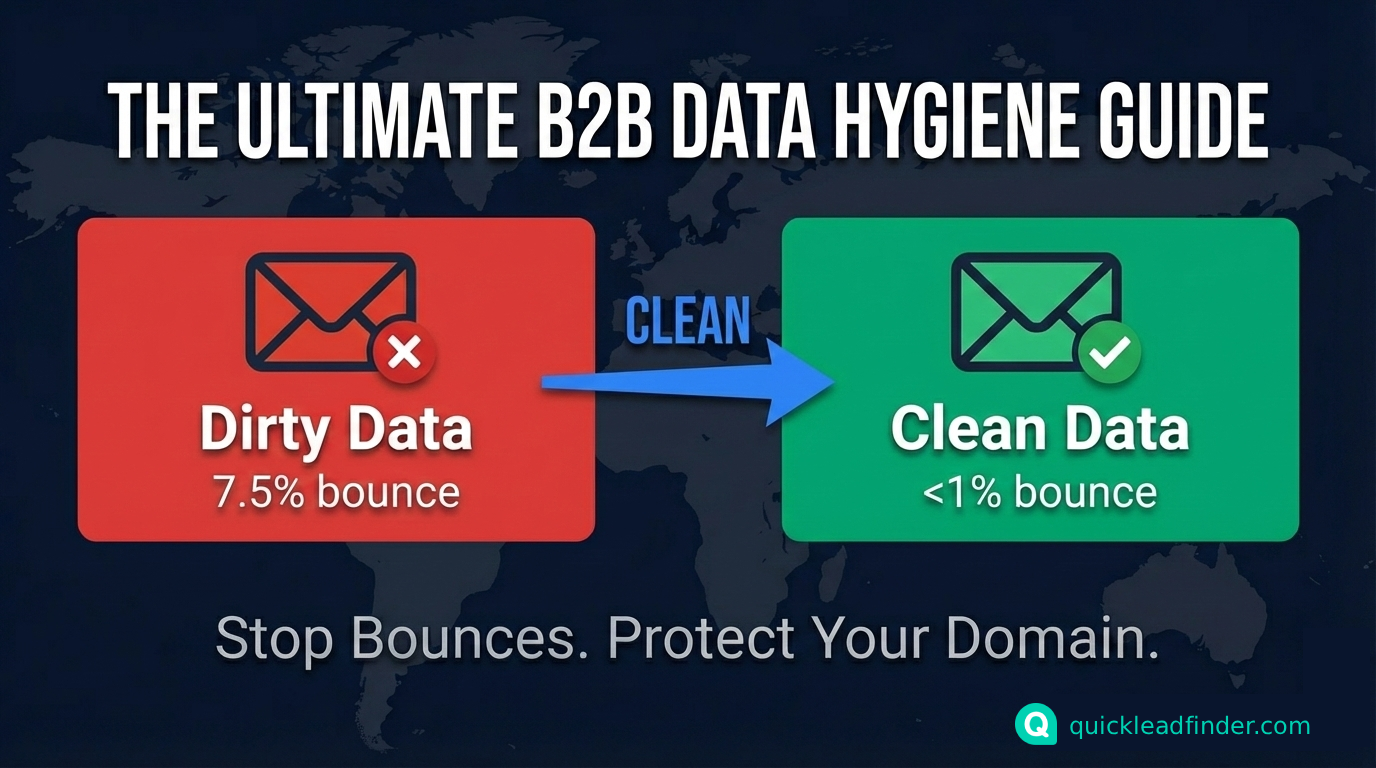
In the high-stakes arena of B2B outreach, a single bounced email isn't just a miss—it's a reputation hit that can throttle your entire domain to spam folders. With cold email open rates hovering at 20-40% and replies at a meager 1-4%, the culprit often isn't your copy; it's dirty data. Sales pros scraping Google Maps for leads know the pain: 7.5% average bounce rates turn promising pipelines into black holes, per Smartlead's latest benchmarks. This guide demystifies email verification and bounce rate reduction tactics, blending cold email best practices with tools like QuickLeadFinder to reclaim your inbox throne. (For the complete picture of Google Maps lead generation, see our ultimate guide.) Whether you're battling catch-all emails or generic inboxes, we'll arm you with actionable steps—because hygiene isn't optional; it's your edge.
Why Scraped Emails Are Often info@ or contact@: The Role-Based Reality Check
Picture this: You fire off 1,000 cold emails from a fresh Google Maps scrape, only to see 20% land in generic bins like [email protected] or [email protected]. Frustrating? Absolutely. But it's not a scraper flaw—it's the nature of public B2B data.
Role-based emails (e.g., sales@ or support@) are department catchers, not personal inboxes tied to individuals. They're designed for inbound queries, shared among teams, and rarely checked proactively—leading to 50% lower engagement than personal emails (e.g., [email protected]), according to Warmy's analysis. Personal emails, conversely, route straight to decision-makers, fostering direct convos and higher reply rates (up to 32% more opens in B2B nurture campaigns).
Google Maps amplifies this: Listings prioritize "public-facing" contacts for customer ease, defaulting to role-based gateways over private ones. Klaviyo's research flags these as high-risk for bounces and complaints, since they're not opt-in friendly and often route to overflowing shared folders. The fix? Start with tools like QuickLeadFinder, which pulls these alongside websites/socials for enrichment. From there, hunt personal emails via LinkedIn cross-checks—turning 60% role-based lists into 80% targeted ones. (Learn more in our guide to finding business emails.) It's empathetic outreach: Respect the gatekeeper, but aim for the throne room.
What Are Catch-all Emails? How They Secretly Sabotage Your Domain Reputation
Ever sent to a "valid" email that ghosts you? Blame catch-all setups. A catch-all (or accept-all) email is a server config that funnels every message to a domain—real or invented—into one inbox, no rejections. Handy for businesses (no lost customer notes), but a nightmare for senders: It inflates your "delivered" count while burying legit pitches in spam piles.
Technically, catch-alls evade basic checks via SMTP handshake—the protocol where your server (MTA) queries the recipient's for validity. In a standard flow:
- HELO/EHLO: Greeting exchange.
- MAIL FROM: Your sender.
- RCPT TO: Recipient probe—if invalid, the server replies "550 User unknown." Catch-alls? They greenlight everything, returning "250 OK" without scrutiny.
The fallout? Your domain rep craters. ESPs like Google and Microsoft track engagement; mass sends to catch-alls (20-30% of B2B domains, per industry data) mimic spam, triggering filters and blacklists. Result: 15-25% drops in overall deliverability, with bounces creeping to 5%+ as your IP warms the naughty list. Untreated catch-alls can slash reply rates by 40%, turning cold campaigns ice-cold. Pro tip: Verify beyond SMTP—use disposable/catch-all detectors in tools to purge them pre-send.
QuickLeadFinder + Email Verifier: The Golden Combo for Bulletproof Lists
No scraper is infallible—even QuickLeadFinder's real-time pulls (95%+ accuracy on fresh Google Maps data) benefit from a second scrub. Enter the hygiene duo: Pair QuickLeadFinder exports with email verifiers for validation that catches what initial checks miss. These APIs flag role-based traps, catch-alls, and toxics, dropping bounces below 1%—a cold email best practice.
Step-by-Step Tutorial: Clean Your Lead CSV in Minutes
- Export from QuickLeadFinder: Scrape your leads (e.g., "tech firms in SF") and download CSV with columns like Email, Name, City, Industry.
- Choose Your Verifier: Select an email verification service that offers SMTP validation, catch-all detection, and risk scoring.
- Upload & Verify: Upload CSV > Select "Email" column > Run full scan (includes SMTP, MX records, disposable checks). Expect 5-15% invalid flags.
- Refine & Re-Export: Download cleaned list; segment by risk score (e.g., avoid 70%+ catch-alls). Use automation tools to sync with your CRM.
- Test Batch: Send 50 to a seed list; monitor for placement and bounce rates.
Industry wisdom: Even "verified" scrapes need this rinse—re-verification lifts deliverability 25%, preventing ESP penalties. It's not overkill; it's ROI insurance.
Personalization Tricks to Boost Reply Rates: Go Deeper Than Names
Hygiene gets you in the door; personalization seals the deal. Ditch lazy {{First_Name}} merges—research shows they lift opens just 5%, while contextual hooks (location + industry) spike replies 20-30%. QuickLeadFinder shines here: Its exports include "City" and "Primary Business" fields from Maps, fueling hyper-relevant intros without hours of research.
Pro Techniques:
- Layer Local Flavor: Reference city-specific pain points (e.g., "SF's tech boom means fierce talent wars..."). Research notes 15% reply bumps from geo-ties.
- Industry Intel: Weave in sector trends (e.g., "As SaaS margins tighten..."). Industry examples show 25% higher engagement.
- Example Opener: "Hey Sarah, I noticed you're running a thriving SaaS consultancy in Austin—congrats on that recent Series A wave. With remote hires spiking 40% there, our tool cuts onboarding time by half. Thoughts?"
This isn't fluff; it's empathy in action. Blending QuickLeadFinder data with AI enrichment tools scales personalization, turning cold blasts into warm convos. Track via UTM; A/B test for your niche.
In today's filtered world, clean data + smart personalization isn't a hack—it's hygiene 101. Start verifying your next QuickLeadFinder scrape today and watch bounces plummet while replies soar. Your domain (and sanity) will thank you.
👉 Start your free trial with QuickLeadFinder and build bulletproof lead lists today.
Related Resources
Complete your data quality and outreach system with these guides:
- The Ultimate Google Maps Scraping Guide — Master the fundamentals of lead extraction
- Cold Email Playbook — Apply your clean data to proven email templates
- How to Find Business Emails — Maximize email discovery rates
- CRM Automation Guide — Automate data flow to your CRM
Explore all data guides in the QuickLeadFinder Blog.
